
Latest Version
App Tyrant Corp
Tools
Mac
Free
1160292682
Report a Problem
More About File Cabinet Lite
A Desktop Cluttered With Finder Windows? Here is the Solution
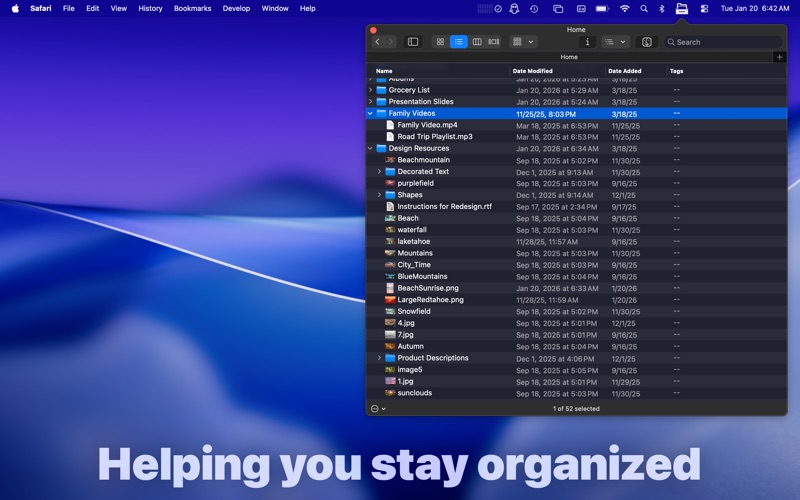
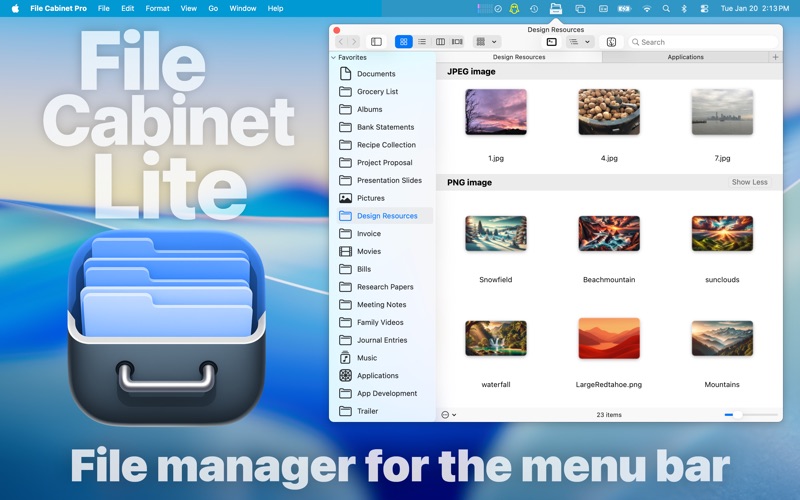
Imagine you are deep in a creative project, juggling design assets, copy drafts, and reference PDFs. Your Mac screen is a chaotic grid of overlapping Finder windows, and finding that one quick note or image asset feels like searching for a needle in a haystack. This is where File Cabinet Lite menu bar file manager steps in to revolutionize your desktop workflow. Developed by App Tyrant Corp, this utility tucks a fully functional file management system directly into your macOS menu bar, allowing you to view and interact with your files instantly without cluttering your workspace.
What is File Cabinet Lite?
File Cabinet Lite menu bar file manager serves as a lightweight, document-based companion for macOS. Rather than opening multiple native Finder windows, this app sits quietly in your menu bar until clicked. Upon activation, it reveals a compact interface where you can browse, preview, and organize files. Crucially, the app ships with its own built-in utilities, including a text editor, image viewer, PDF viewer, and media player. This means you can inspect and tweak files directly inside the application interface without launching external, resource-heavy software.
The 30-Day Trial and Viewer Mode Explained
When you first run the application, you enjoy a 30-day unrestricted trial of the full professional feature set. Once this trial period concludes, the application transitions into "Viewer Mode." In Viewer Mode, you can still view files directly from your menu bar. To restore the active file manipulation capabilities permanently, you can opt for a single In-App Purchase.
Key Features of the Pro Upgrade
Upgrading to the professional tier unlocks comprehensive file interaction tools right from the menu bar:
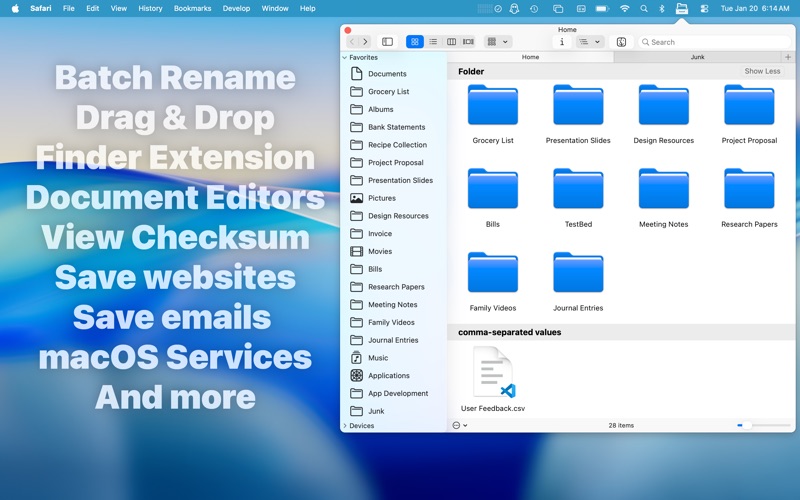
- Advanced File Operations: Move, rename, compress, tag, copy, paste, and trash files without needing to open Finder.
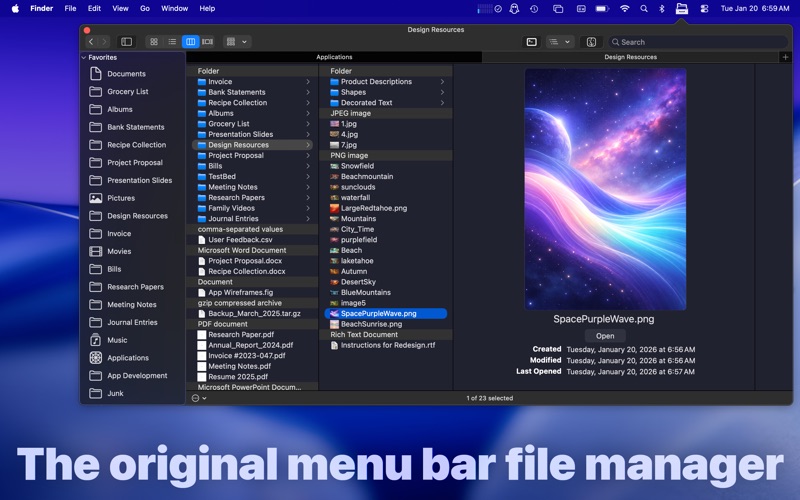
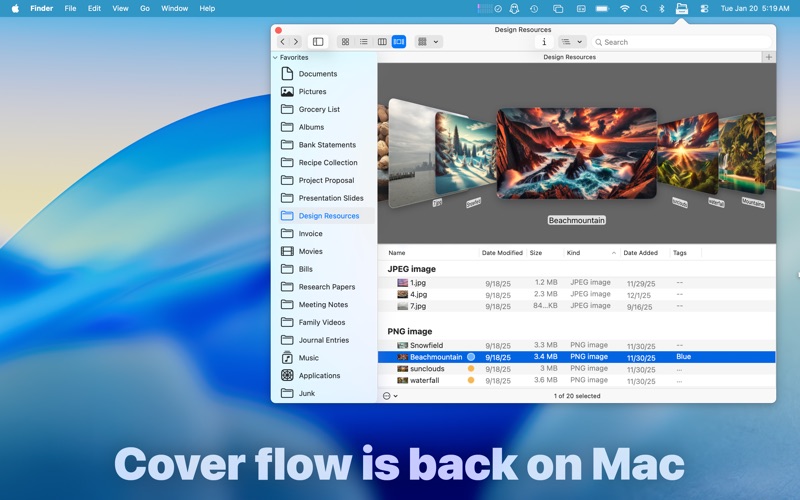
- Flexible Views: Navigate your directory structure using icon view, list view, or multi-column file trees.
- Integrated Editors: Create and edit plain text (.txt), Rich Text (.rtf, .rtfd), and Markdown (.md) documents. You can also crop, rotate, and apply filters to images.
- Media Playback & Quick Look: Play audio/video files, view PDFs, and use the spacebar to trigger the native macOS Quick Look preview.
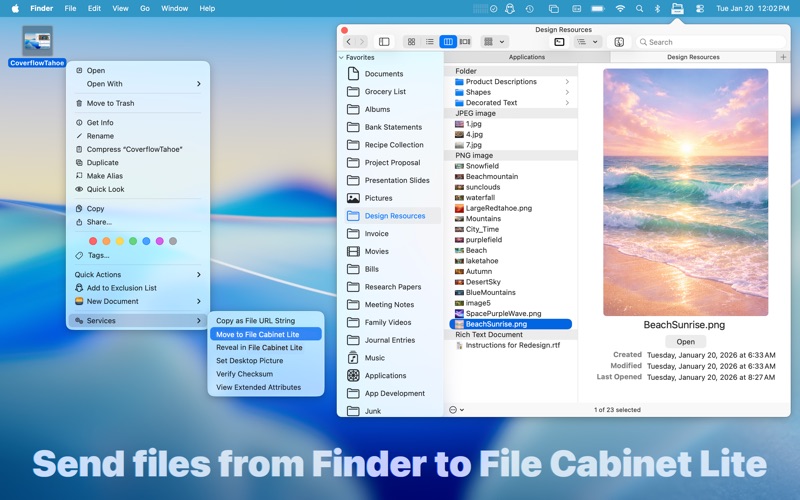
- System Services & Extensions: Take screenshots directly to the cabinet, save web archives, generate text documents from Finder, and verify SHA256, SHA1, or MD5 file checksums.
Who is This macOS Tool For?
The File Cabinet Lite menu bar file manager is an excellent fit for power users, developers, and writers who value screen real estate. If you frequently need to reference documents, grab quick screenshots, or edit notes on the fly while keeping your main monitor clear of distractions, this utility offers an incredibly elegant solution.
Our Editorial Verdict
By blending a menu-bar-based directory explorer with versatile built-in media players and editors, this utility successfully minimizes desktop clutter. It serves as an excellent bridge between quick-glance file access and full-scale Finder navigation. To see how it can optimize your daily productivity, we invite you to check out File Cabinet Lite on the official Mac App Store.
Rate the App
User Reviews














Popular Apps










Editor's Choice