
Latest Version
Electronic Team, Inc.
Tools
Mac
Free
1476545828
Report a Problem
More About MacDroid - Manager for Android
The Ultimate Solution for Android and Mac File Transfer
Picture this: you have just finished capturing a stunning batch of photos or recording a high-definition video on your Android phone, and now you need to edit those files on your Mac. Unfortunately, the native ecosystem barriers make transferring these files a tedious, multi-step chore. This is where MacDroid - Manager for Android by Electronic Team, Inc. steps in, offering a reliable bridge to connect your Android device directly to your macOS environment.
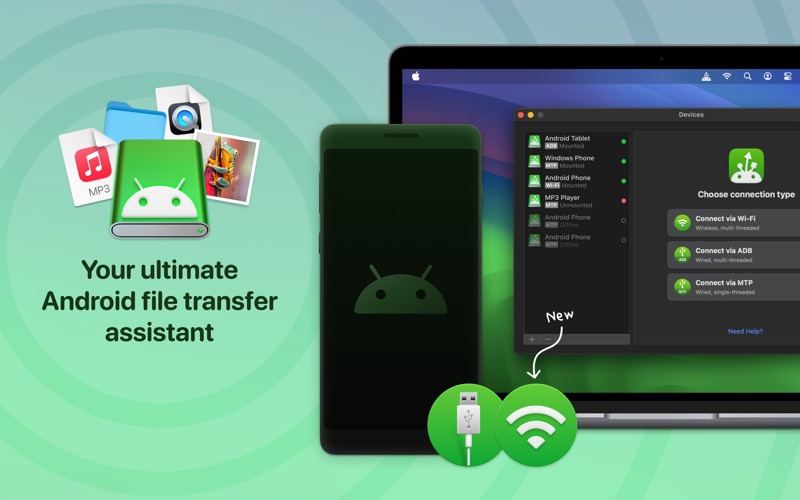
Categorized under essential system tools, this application acts as a direct conduit between platforms. Instead of relying on slow cloud uploads or clunky workarounds, this utility lets you mount your Android device as an external disk on your Mac, simplifying your workflow instantly.
Key Features of MacDroid - Manager for Android
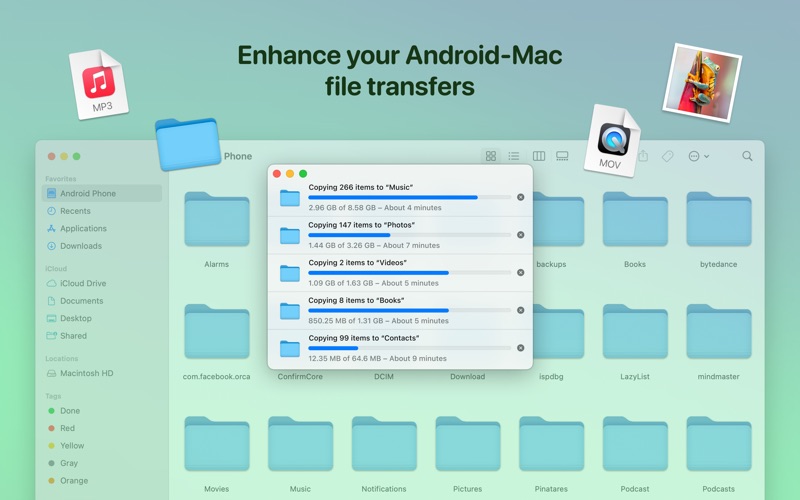
- Comprehensive Folder Access: Effortlessly transfer photos, videos, music, and custom folders from any directory, including default folders like DCIM, Downloads, and Screenshots.
- Bi-Directional Transfer (PRO): Move files not just from Android to Mac, but also write, edit, and save modifications directly back to your mobile device or its SD card.
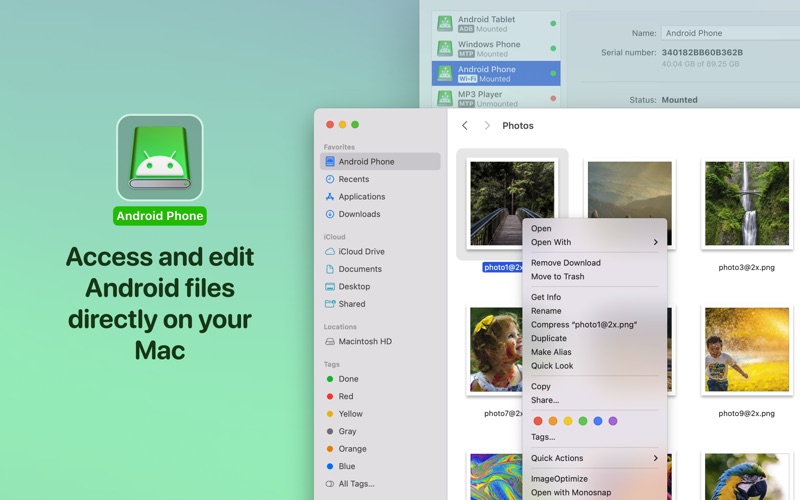
- Direct File Editing: Open and edit files stored on your Android phone using your favorite macOS applications without downloading them first.
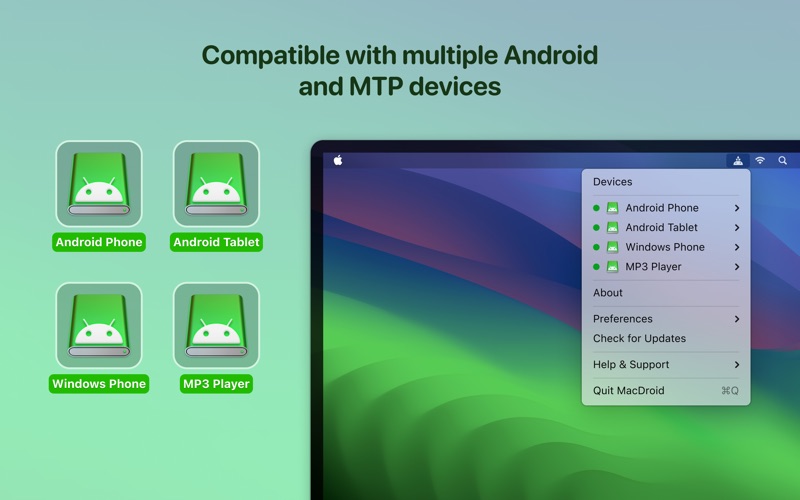
- Broad Compatibility: Supports Android 4.x and higher, as well as any standard MTP (Media Transfer Protocol) devices.
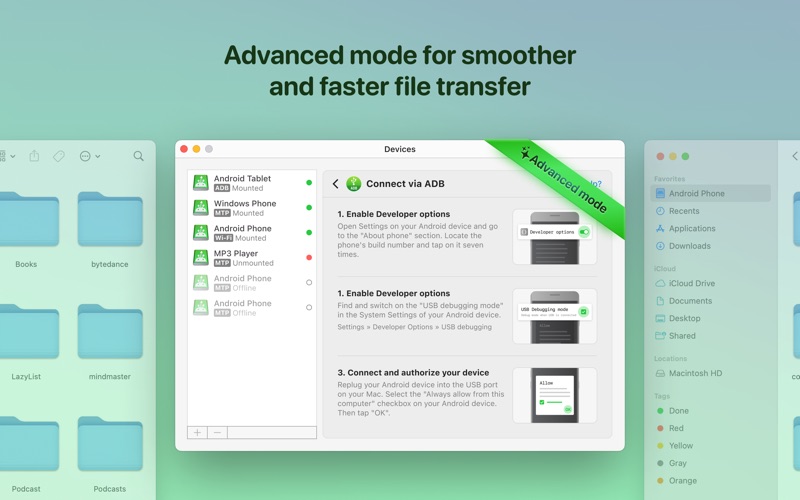
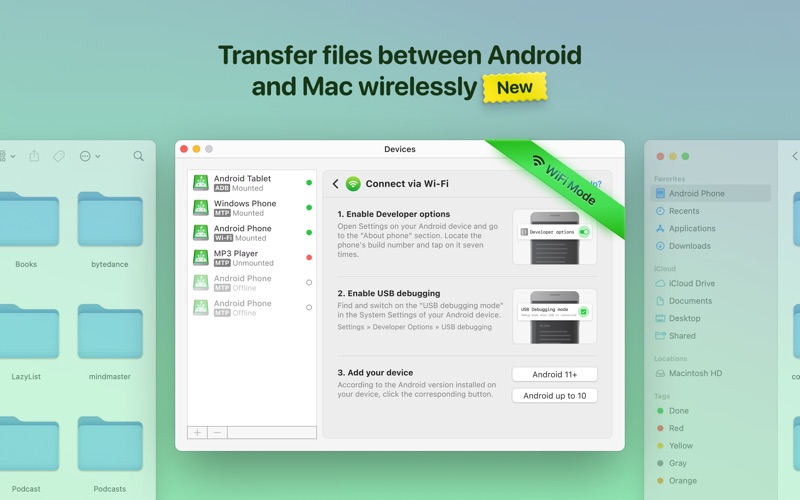
- Flexible Connectivity: Connect your devices seamlessly using either a standard USB cable or a shared Wi-Fi network.
How It Elevates Your Workflow
Unlike basic transfer utilities, MacDroid - Manager for Android integrates deeply with the macOS Finder. This integration means you can manage your files using familiar commands. You can copy, create, delete, duplicate, or rename folders on your Android device directly from your desktop. If you only need to move files from your phone to your computer, the free version provides excellent one-way transfer capabilities. For power users who require full read-and-write access, the PRO version offers flexible annual subscription or lifetime purchase options.
Is This Android File Manager Right for You?
If you regularly work across both operating systems and want to eliminate the friction of moving media and documents, this tool is highly recommended. It requires no companion apps on your phone, keeping your mobile storage clean and lightweight. To experience this seamless integration yourself, you can explore the official app details and download options directly on the Mac App Store.
Rate the App
User Reviews












Popular Apps










Editor's Choice